Editorial scope: This guide summarizes Google's published requirements for mail sent to personal Gmail accounts. It does not guarantee inbox placement and is not a substitute for advice from your email provider, DNS administrator or legal counsel.
Start with volume and message type
Gmail applies baseline requirements to all senders and additional requirements to senders that send more than 5,000 messages per day to personal Gmail accounts. Google explains that messages from the same primary domain count toward the bulk-sender threshold. Once a sender is classified as a bulk sender, that classification does not automatically disappear when volume later falls.
Classify each stream as marketing, subscribed or transactional before configuring unsubscribe behavior. Gmail's one-click requirement applies to marketing and promotional messages, not messages such as password resets or reservation confirmations. Separate streams and addresses make it easier to protect essential transactional traffic from problems caused by promotional campaigns.
Requirements that apply to all senders
Google's sender guidelines require every sender to use SPF or DKIM authentication, send over TLS, use valid forward and reverse DNS for the sending infrastructure, follow RFC 5322 message formatting and avoid impersonating Gmail From addresses. Google also tells senders to keep the spam rate reported in Postmaster Tools below 0.3%.
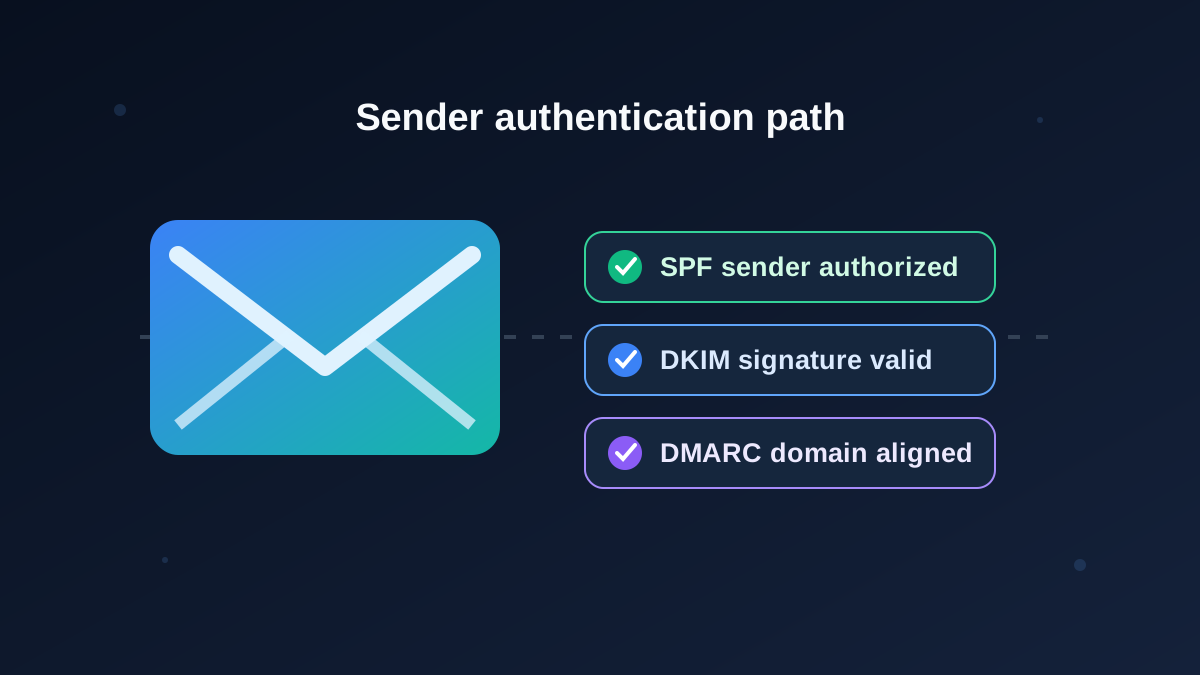
These controls solve different problems. SPF states which systems may send for a domain. DKIM signs the message so a receiver can validate the signing domain and detect certain changes in transit. DMARC evaluates alignment between the visible From domain and an authenticated SPF or DKIM domain, then applies the published policy. TLS protects transport between participating servers; it does not replace sender authentication.
Additional requirements for bulk senders
For senders above Gmail's daily threshold, SPF and DKIM are both required. The sending domain must publish a DMARC record, although Google's minimum policy can be p=none. Direct mail must align the visible From domain with either the authenticated SPF domain or DKIM domain. Marketing and subscribed messages must support one-click unsubscribe and must also contain a clearly visible unsubscribe link in the message body.
Google's FAQ says it began ramping up enforcement against non-compliant traffic in November 2025. The FAQ also advises keeping spam below 0.1% and avoiding a rate of 0.3% or higher. A low complaint rate is an operational target, not permission to send without consent.
Step 1: Inventory every sending service
List the systems that send as your domain: workspace mail, marketing platform, support desk, CRM, application server, invoicing tool, authentication provider and any legacy service. Record the envelope domain, visible From domain, DKIM signing domain, sending IP ownership and responsible person for each stream.
This inventory prevents a common SPF failure: adding a new provider without updating the record, or publishing multiple independent SPF records. Google recommends including every legitimate sender in a single SPF policy for the domain. Keep the policy within DNS lookup limits and ask the provider for its documented include value rather than copying an example from an unrelated account.
Step 2: Configure and verify authentication
- SPF: Publish one SPF TXT record for the sending domain and include only authorized senders. Test the final record after DNS propagation.
- DKIM: Generate keys in each sending platform, publish the selector record, enable signing, and verify that received messages show a passing result for the expected signing domain.
- DMARC: Begin with a monitoring policy when appropriate, choose an aggregate-report mailbox, and review legitimate sources before moving to stricter enforcement.
- Alignment: Inspect real message headers. A DNS checker can confirm that records exist, but only a sent message shows which domains actually authenticated and aligned.
Do not paste a provider's placeholder DNS values into production. Selectors, verification tokens, return paths and reporting addresses are account-specific.
Step 3: Implement unsubscribe correctly
A footer link alone is not Gmail's one-click mechanism. For applicable promotional mail, configure the List-Unsubscribe and List-Unsubscribe-Post headers according to the sending platform's RFC 8058 support, with an HTTPS endpoint that completes the request without requiring a login or confirmation page. Retain a visible unsubscribe link in the message body as well.
Google recommends honoring unsubscribe requests within 48 hours. Test the entire path: header generation, endpoint response, suppression-list update and prevention of later resubmission by an automated sync. Transactional mail should remain separate so an opt-out from promotions does not hide an important account message.
Step 4: Protect list quality
- Send only to people who asked for the messages and make the sender identity clear at collection time.
- Consider confirmed opt-in for new subscriptions, especially when addresses can be entered by someone else.
- Do not purchase lists or quietly repurpose addresses collected for a different service.
- Suppress unsubscribes, hard bounces and repeated invalid addresses promptly.
- Increase volume gradually when a domain or stream is new, and keep campaign frequency predictable.
Step 5: Monitor evidence, not folklore
Use Gmail Postmaster Tools when the domain has enough traffic to provide data. Review compliance status, authentication, spam rate, reputation and delivery errors. Also review your sending provider's bounce categories and the SMTP responses returned by Gmail. A campaign reporting a high “delivery” rate may still have messages routed to spam; successful server acceptance is not the same as inbox placement.
For every change, keep a record of the DNS value, selector, owner, date, test message and rollback plan. Recheck authentication after platform migrations, domain changes and new campaign integrations.
Pre-send checklist
- The recipient consent and intended message type are documented.
- SPF, DKIM and DMARC results pass as required for the stream and volume.
- The visible From domain aligns for direct bulk mail.
- Promotional messages include working one-click and visible unsubscribe options.
- The suppression list, bounce handling and complaint monitoring are active.
- Postmaster Tools and provider logs have an assigned owner.